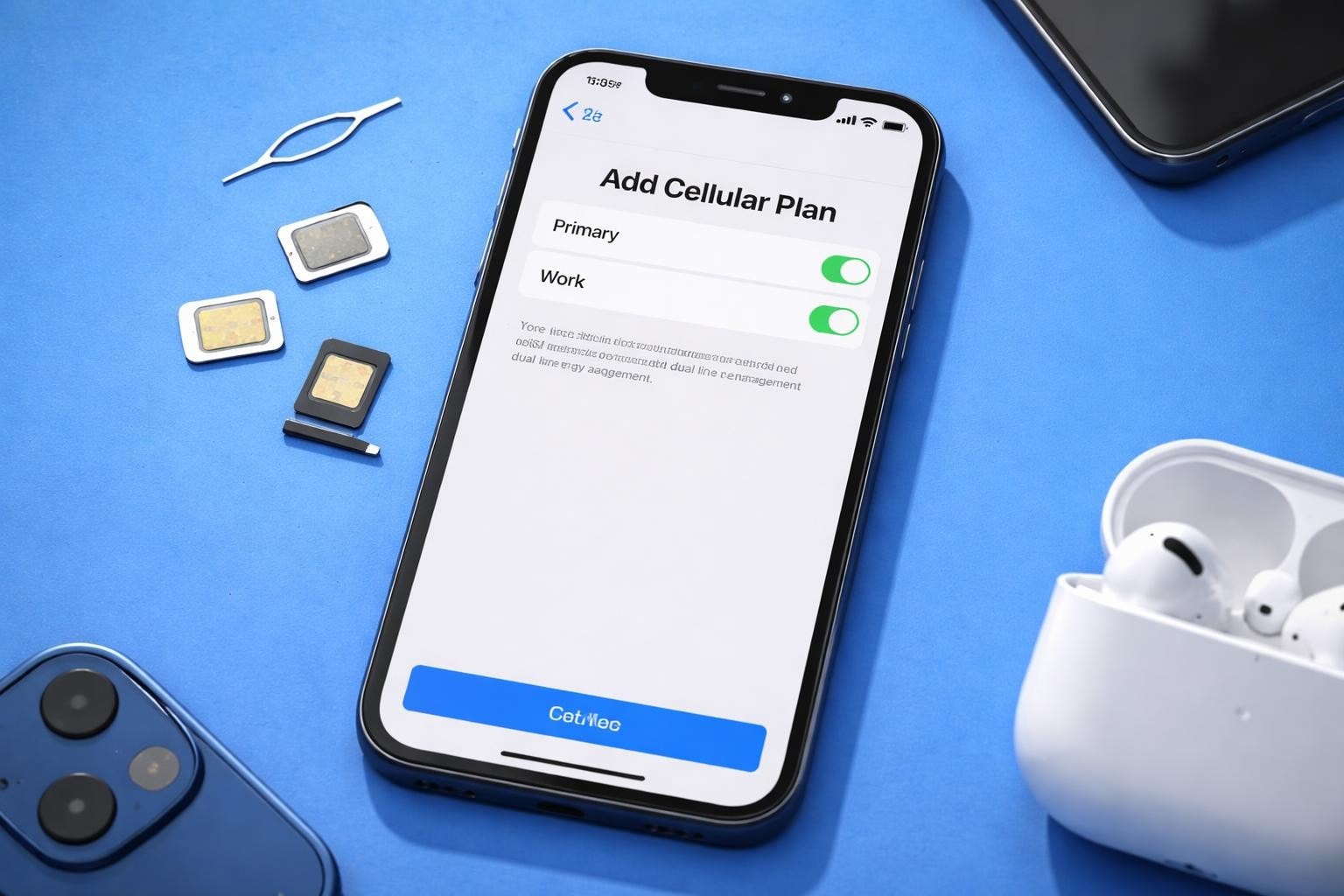
The iPhone 12 revolutionised mobile connectivity when Apple introduced enhanced eSIM capabilities across the entire product line. Whether you've recently purchased an iPhone 12, iPhone 12 mini, iPhone 12 Pro, or iPhone 12 Pro Max, understanding how to leverage the iphone 12 esim functionality opens up a world of flexibility for managing multiple phone numbers, switching carriers instantly, and staying connected whilst travelling internationally.
Gone are the days when you needed to visit a mobile shop to swap physical SIM cards. The embedded SIM technology in your iPhone 12 allows you to activate cellular plans digitally, store multiple eSIM profiles, and switch between them with just a few taps. This comprehensive guide will walk you through everything you need to know about maximising your iPhone 12's eSIM potential.
Understanding iPhone 12 eSIM Technology
The iphone 12 esim represents a significant leap forward in mobile technology. Unlike traditional physical SIM cards that require manual insertion and removal, an eSIM is a digital SIM that's embedded directly into your device's hardware. This chip can be programmed and reprogrammed with carrier information without any physical swapping required.
Key advantages of eSIM technology include:
- Instant activation of new mobile plans
- Ability to store multiple carrier profiles
- No risk of losing or damaging physical SIM cards
- Simplified switching between carriers
- Enhanced security features
Every iPhone 12 model sold globally supports eSIM functionality, though the specific configuration varies by region. In most countries, your iPhone 12 features one physical nano-SIM slot plus eSIM capability, giving you true dual SIM functionality. However, models sold in mainland China, Hong Kong, and Macao utilise dual physical SIM slots instead.
How Dual SIM Works on iPhone 12
Your iPhone 12 can maintain two active phone numbers simultaneously through Dual SIM with an eSIM. This means you can keep your personal number whilst adding a business line, or maintain your home carrier whilst using a local data plan when travelling abroad.
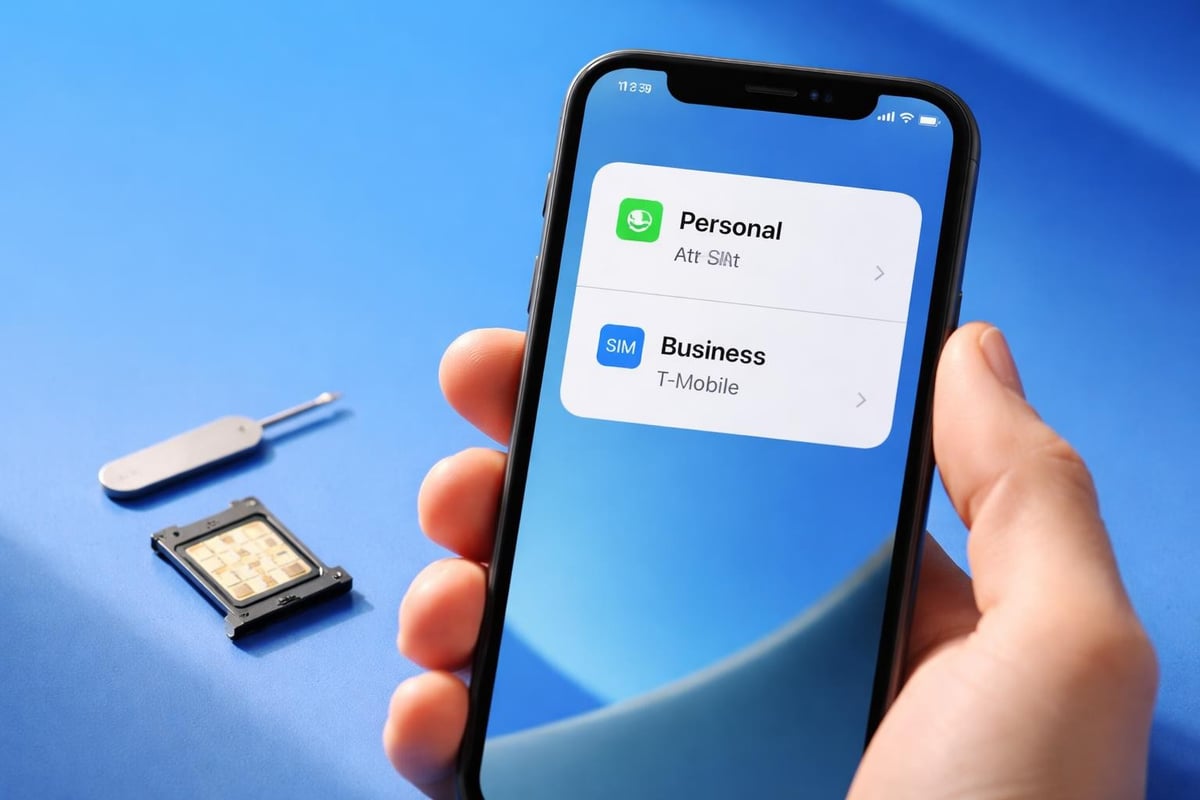
The system intelligently manages both lines, allowing you to designate which number to use for voice calls, messages, and cellular data. You can even set your iPhone to automatically switch to the line with better signal strength or use one exclusively for data whilst keeping both active for calls.
Setting Up Your iPhone 12 eSIM
Activating an iphone 12 esim is remarkably straightforward, though the exact process varies slightly depending on your carrier and location. Most modern carriers support eSIM activation through QR codes, carrier apps, or direct installation.
Method 1: QR Code Activation
- Obtain a QR code from your carrier or eSIM provider
- Open Settings on your iPhone 12
- Tap Mobile Data or Cellular
- Select Add Mobile Plan or Add Data Plan
- Position your iPhone camera to scan the QR code
- Follow the on-screen prompts to complete activation
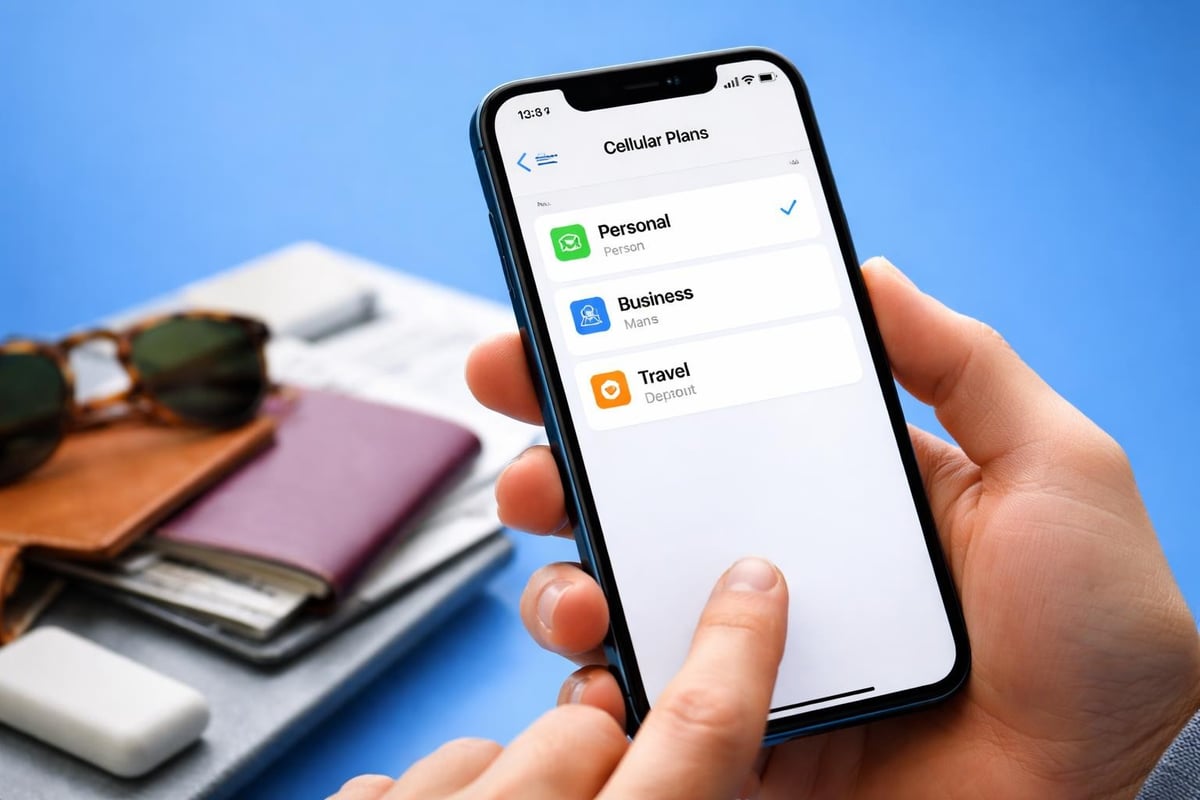
- Label your plan (e.g., "Personal," "Business," "Travel")
The entire process typically takes less than five minutes. Your carrier may require you to verify your identity or enter additional information during setup. Once activated, your new eSIM plan appears in your mobile data settings alongside any physical SIM you've installed.
Method 2: Carrier App Installation
Many carriers now offer dedicated apps that simplify eSIM activation even further. These applications handle the entire setup process without requiring QR codes. Simply download your carrier's app, sign in to your account, and select the eSIM activation option.
| Activation Method | Setup Time | Requirements | Best For |
|---|---|---|---|
| QR Code | 3-5 minutes | QR code from carrier | Most carriers, travel eSIMs |
| Carrier App | 2-4 minutes | Carrier's mobile app | Primary carriers |
| Manual Entry | 5-10 minutes | Activation details | Alternative carriers |
| Transfer from iPhone | 1-2 minutes | Previous iPhone with eSIM | Upgrading devices |
Method 3: Transferring eSIM from Previous iPhone
If you're upgrading from another eSIM-compatible iPhone, you can transfer your eSIM to your iPhone 12 during the initial setup process. This feature, called eSIM Quick Transfer, automatically moves your carrier information to your new device.
The transfer process:
- Ensure both iPhones are running iOS 14 or later
- Keep your old iPhone nearby during setup
- Follow the on-screen prompts when setting up your new iPhone 12
- Approve the transfer on your previous device
- Wait for the activation to complete
This seamless transition means you can start using your iPhone 12 with your existing number immediately, without contacting your carrier or visiting a shop.
Managing Multiple eSIM Profiles
One of the most powerful features of the iphone 12 esim system is its ability to store multiple carrier profiles simultaneously. Whilst only two lines can be active at once (one physical SIM and one eSIM), you can keep additional eSIM profiles stored for quick switching.
This capability proves invaluable for frequent travellers. You might maintain eSIM profiles for your home carrier, a work number, and data plans for countries you visit regularly. When you land in a new destination, simply activate the relevant eSIM profile rather than purchasing and installing a new physical SIM card.
Switching Between eSIM Plans
Your iPhone 12 makes switching between stored eSIM profiles remarkably simple. Navigate to Settings > Mobile Data and you'll see all your installed profiles. Tap the plan you want to activate, then toggle it on whilst deactivating others as needed.
For travellers who need reliable connectivity across multiple countries, services offering instant eSIM activation make this even more convenient. For instance, when visiting the United States, you can activate a USA eSIM within seconds, avoiding expensive roaming charges whilst maintaining access to your primary number.
Choosing the Right eSIM Provider
The explosion of eSIM adoption has led to a competitive marketplace filled with providers offering various plans, coverage areas, and pricing structures. Selecting the right provider depends on your specific needs.
Consider these factors when choosing an eSIM:
- Coverage area: Does the provider support the countries you'll visit?
- Data allowances: How much data do you typically consume?
- Validity period: Will the plan last throughout your trip?
- Pricing transparency: Are there hidden fees or charges?
- Activation speed: How quickly can you get connected?
- Customer support: Can you reach help if issues arise?
Modern eSIM providers offer plans ranging from single-country coverage to global packages spanning 200+ destinations. The flexibility of the iphone 12 esim system means you're not locked into any single provider. You can maintain profiles from multiple companies and activate whichever offers the best value for your current location.
When researching compatible devices, you'll find that whilst the iPhone 12 supports eSIM universally, carrier compatibility varies by region. Most major carriers in Europe, North America, Asia, and Australia offer robust eSIM support, but smaller regional carriers may still be transitioning.
Troubleshooting Common iPhone 12 eSIM Issues
Despite the generally smooth operation of eSIM technology, you might occasionally encounter issues requiring troubleshooting. Understanding common problems and their solutions saves time and frustration.
eSIM Won't Activate
If your iphone 12 esim fails to activate, several factors might be responsible:
- Network connectivity: Ensure you're connected to Wi-Fi or have cellular data available
- Carrier compatibility: Verify your carrier supports eSIM on iPhone 12
- QR code validity: Confirm the QR code hasn't expired
- iOS version: Update to the latest iOS if running older software
- Carrier settings: Install the latest carrier settings update
Quick fixes to try:
- Restart your iPhone 12 completely
- Toggle Aeroplane Mode on and off
- Remove and re-add the eSIM profile
- Reset network settings (Settings > General > Reset > Reset Network Settings)
- Contact your carrier for activation assistance
No Service or Weak Signal
Experiencing connectivity issues with your eSIM? The problem might stem from incorrect network settings or configuration issues rather than the eSIM itself.
Navigate to Settings > Mobile Data and ensure the correct plan is selected for cellular data. If you're using Dual SIM functionality, verify which line is designated as your primary data source. Sometimes, manually selecting a network operator resolves persistent connection problems.
| Issue | Likely Cause | Solution |
|---|---|---|
| No activation | Expired QR code | Request new QR code from carrier |
| Weak signal | Wrong network selection | Manually select carrier network |
| No data connection | Incorrect APN settings | Enter carrier's APN details |
| Can't make calls | Wrong default line | Set correct line in Settings |
| eSIM disappeared | Software glitch | Restore from backup or re-add |
iPhone 12 eSIM for International Travel
The iphone 12 esim truly shines when you're travelling internationally. Traditional roaming charges can devastate your budget, whilst searching for local SIM cards wastes precious holiday time. eSIM technology solves both problems elegantly.
Before departing for your trip, research eSIM providers offering coverage in your destination countries. Many services allow you to purchase and install eSIM profiles before you even board your plane. The moment you land, your iPhone 12 connects to local networks at local rates.
Travel eSIM Best Practices
Maximise your travel connectivity:
- Purchase your eSIM at least 24 hours before departure
- Keep your home eSIM or physical SIM active for calls and messages
- Set your travel eSIM as the default for cellular data
- Monitor data usage through Settings to avoid overages
- Store multiple regional eSIM profiles for frequent destinations
For European adventures, maintaining eSIM profiles for popular destinations like Spain, Italy, and France means instant connectivity as you cross borders. Similarly, Asia-Pacific travellers benefit from ready-to-activate profiles for destinations such as Thailand, Japan, and Singapore.
The cost savings prove substantial. Traditional roaming often costs £5-15 per day, whilst eSIM data plans typically range from £3-10 for entire trips. For a two-week holiday, the difference can exceed £100.
Privacy and Security Considerations
The iphone 12 esim offers enhanced security features compared to physical SIM cards. Since the eSIM profile is embedded in your device's hardware and protected by encryption, it's virtually impossible for thieves to remove and use your SIM in another device.
However, this also means you must take additional precautions. If you lose your iPhone 12, immediately contact your carrier to suspend service on both your physical SIM and eSIM. You should also remotely wipe your device using Find My iPhone to protect your data and prevent unauthorised use.
Protecting Your eSIM
Security best practices:
- Enable Face ID or Touch ID for accessing Settings
- Set a strong passcode separate from biometric authentication
- Only download eSIM profiles from reputable providers
- Verify QR codes come from legitimate carrier sources
- Keep your iOS updated with latest security patches
When purchasing eSIM plans from third-party providers, research the company's reputation and review their privacy policies. Legitimate providers use secure payment systems and don't request unnecessary personal information. If you need guidance on safe eSIM activation, consult the installation guide for step-by-step instructions.
Comparing eSIM Providers
The competitive eSIM marketplace offers consumers numerous choices, each with distinct advantages. Understanding the differences helps you select the provider that best matches your usage patterns and budget.
Traditional mobile carriers typically offer eSIM as part of standard contract plans, whilst specialist eSIM providers focus exclusively on data plans for travellers and those seeking flexibility. The latter often provide better value for short-term use or international connectivity.
Evaluating Provider Options
| Feature | Traditional Carriers | Specialist eSIM Providers |
|---|---|---|
| Contract requirement | Usually yes | No |
| International coverage | Limited | 100+ countries |
| Activation speed | Hours to days | Instant |
| Data-only plans | Rarely | Common |
| Customer support | Extensive | Digital-first |
| Pricing | Monthly fees | Pay-as-you-go |
Specialist providers have proliferated in recent years, each claiming unique advantages. When researching options, consider reading detailed comparisons to understand the real differences. Resources comparing various providers help clarify which service aligns with your specific requirements.
Business Applications of iPhone 12 eSIM
Beyond personal use, the iphone 12 esim offers significant advantages for business users and companies managing mobile devices. The ability to provision and manage eSIM profiles remotely streamlines enterprise mobile management.
Companies can issue eSIM profiles to employees without requiring physical SIM distribution. IT departments can activate, deactivate, or modify plans remotely, reducing administrative overhead. For sales teams and executives who travel frequently, maintaining both corporate and personal numbers on a single device enhances productivity.
Business benefits include:
- Simplified device provisioning for new employees
- Remote management of mobile plans
- Cost control through usage monitoring
- Enhanced security with corporate-managed profiles
- Flexibility for temporary workers or contractors
Small businesses and freelancers also benefit from the professional image of maintaining separate business and personal numbers on a single device. Rather than carrying two phones, your iPhone 12 handles both lines seamlessly, with the ability to customise ringtones, notifications, and call routing for each.
Future of eSIM Technology
The iphone 12 esim represents current technology, but the eSIM ecosystem continues evolving rapidly. Apple's 2026 iPhone lineup may feature eSIM-only models in more regions, following the precedent set with certain iPhone 14 models in the United States.
This transition reflects broader industry trends toward fully digital connectivity. As 5G networks expand globally and eSIM adoption increases, the infrastructure supporting instant, flexible mobile connectivity will only improve. Carriers are investing heavily in eSIM platforms, whilst regulatory bodies work to ensure portability and consumer protections.
For iPhone 12 users, this means your device will remain compatible with emerging eSIM services for years to come. The embedded chip in your phone supports current and future eSIM standards, ensuring you can take advantage of new providers and improved plans as they launch.
Preparing for an eSIM Future
Stay ahead of the curve:
- Familiarise yourself with eSIM activation processes
- Experiment with different providers to find preferred options
- Keep backup eSIM profiles for frequently visited locations
- Monitor industry developments and new provider launches
- Share knowledge with friends and family still using physical SIMs
The shift toward eSIM technology democratises global connectivity. Where international travel once meant complicated carrier negotiations or expensive roaming fees, the iphone 12 esim makes staying connected as simple as scanning a QR code. This accessibility benefits everyone from occasional holidaymakers to digital nomads working remotely across continents.
Maximising Your iPhone 12 eSIM Experience
Getting the most from your iphone 12 esim requires understanding both the technical capabilities and practical applications. Start by thoroughly exploring your device's dual SIM settings to understand how to designate default lines for various functions.
Experiment with different eSIM providers to find those offering the best combination of coverage, pricing, and customer service for your needs. Don't hesitate to maintain multiple profiles. The ability to store several eSIM plans gives you options when circumstances change unexpectedly.
Keep a list of your active and stored eSIM profiles, including activation dates, expiry dates, and remaining data allowances. This simple record prevents surprises when you're travelling or need to switch plans quickly. Many providers offer apps that track this information, but maintaining your own records ensures you're never caught without connectivity.
Finally, explore the frequently asked questions about eSIM technology to deepen your understanding. The more you know about how eSIM works, the better equipped you'll be to troubleshoot issues and take advantage of advanced features.
The iPhone 12 eSIM capability transforms how we stay connected, offering unprecedented flexibility for managing multiple phone numbers and accessing affordable international data. Whether you're juggling personal and business lines, travelling frequently, or simply seeking more control over your mobile connectivity, understanding and leveraging eSIM technology opens new possibilities. Ready to experience instant eSIM activation with affordable coverage across 200+ countries? Visit gosimless.app to explore flexible data plans with no roaming fees, secure payments, and multi-device support that gets you connected in seconds.
gosimless Team
The gosimless editorial desk — testing eSIMs, carriers and travel connectivity so you don't have to. Updated continuously from the road.