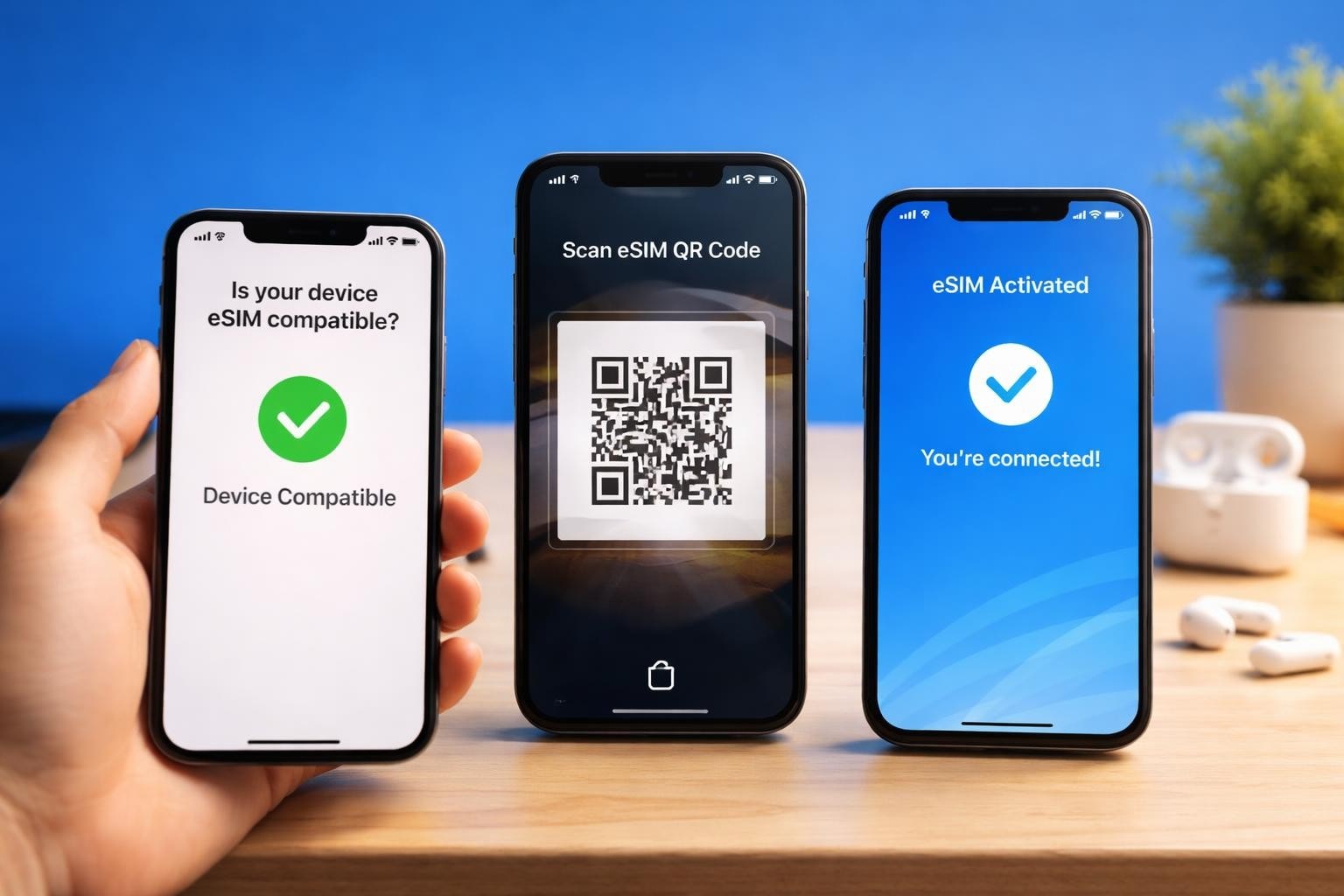
The mobile connectivity landscape has transformed dramatically over recent years, with eSIM technology leading the charge towards a more flexible, sustainable future. AT&T has embraced this digital revolution, offering customers the ability to activate their mobile service without fumbling with tiny physical SIM cards. Whether you're upgrading your device, switching carriers, or managing multiple phone numbers, understanding how att esim works can revolutionise the way you stay connected in 2026.
Understanding AT&T eSIM Technology
An eSIM, or embedded SIM, represents the next generation of mobile connectivity. Unlike traditional plastic SIM cards that require physical insertion into your device, AT&T's eSIM technology is built directly into compatible smartphones, tablets, and smartwatches. This tiny chip can be programmed remotely to connect you to AT&T's network within minutes.
The beauty of att esim lies in its versatility. You can store multiple carrier profiles on a single device, switching between them as needed without carrying spare SIM cards or visiting a retail store. For business travellers, digital nomads, or anyone managing separate work and personal lines, this flexibility is genuinely transformative.
How AT&T eSIM Differs from Physical SIMs
Think about the last time you switched phones or travelled abroad. Did you struggle with a SIM ejector tool? Worry about losing that minuscule card? AT&T eSIM eliminates these frustrations entirely.
Key advantages include:
- Instant activation without visiting a store or waiting for postal delivery
- Enhanced device security as the eSIM cannot be physically removed if your phone is stolen
- Dual SIM functionality allowing simultaneous use of two numbers
- Simplified international travel with easy access to local networks
- Environmental benefits through reduced plastic waste
The technology operates identically to physical SIMs once activated, delivering the same network speeds, coverage, and reliability you'd expect from AT&T's infrastructure.
AT&T eSIM Compatible Devices
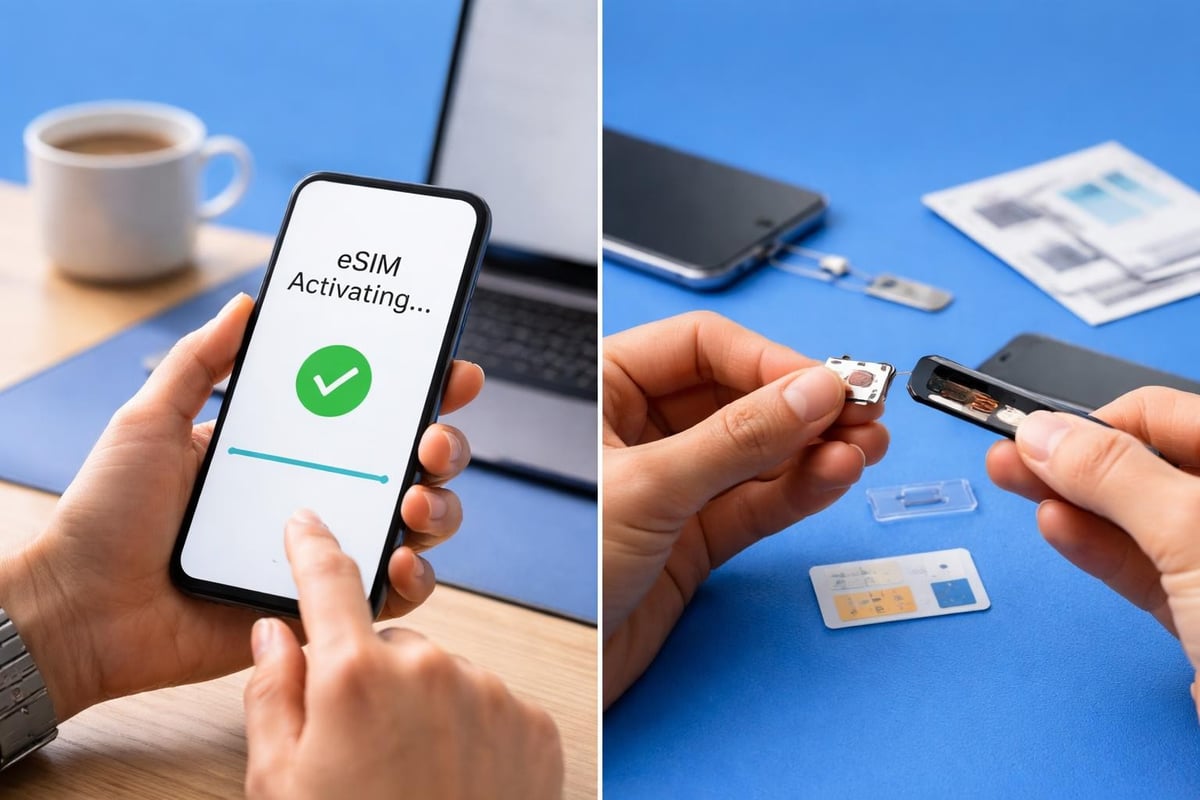
Before diving into activation, you'll need to verify your device supports att esim functionality. AT&T maintains an extensive catalogue of compatible devices, with most flagship smartphones released since 2018 supporting the technology.
| Device Category | Popular Compatible Models |
|---|---|
| iPhone | iPhone XS/XR and newer models |
| Samsung Galaxy | S20 series and newer, Z Fold/Flip series |
| Google Pixel | Pixel 3 and newer models |
| Motorola | Razr 2019 and newer foldables |
| Smartwatches | Apple Watch Series 3+, Samsung Galaxy Watch |
Not every phone marketed as "eSIM compatible" works seamlessly with AT&T's network. Regional variations and carrier-specific firmware can affect functionality. Always check your device's IMEI number through AT&T's compatibility checker before purchasing an eSIM plan.
Checking Your Device's eSIM Capability
Your phone might support eSIM even if you weren't aware. Here's how to verify:
- iPhone users: Navigate to Settings > Cellular > Add Cellular Plan. If this option appears, your device supports eSIM.
- Android users: Check Settings > Network & Internet > Mobile Network. Look for options mentioning "SIM Manager" or "Add eSIM".
- Quick dial method: Enter *#06# to display your phone's identifiers. An EID (eSIM Identifier) confirms compatibility.
The EID is a 32-digit number unique to your device's eSIM chip. You'll need this when activating your att esim profile, so screenshot it or write it down for reference.
Activating Your AT&T eSIM
The activation process varies slightly depending on whether you're a new AT&T customer, transferring from physical SIM, or adding a line. Fortunately, AT&T has streamlined the experience considerably in 2026.
For AT&T Prepaid Customers
AT&T Prepaid offers one of the most straightforward att esim activation paths. The official AT&T Prepaid eSIM guide walks you through each step, but here's the simplified version:
Activation steps:
- Purchase your AT&T Prepaid plan online or through the myAT&T Prepaid app
- Select "eSIM" as your SIM type during checkout
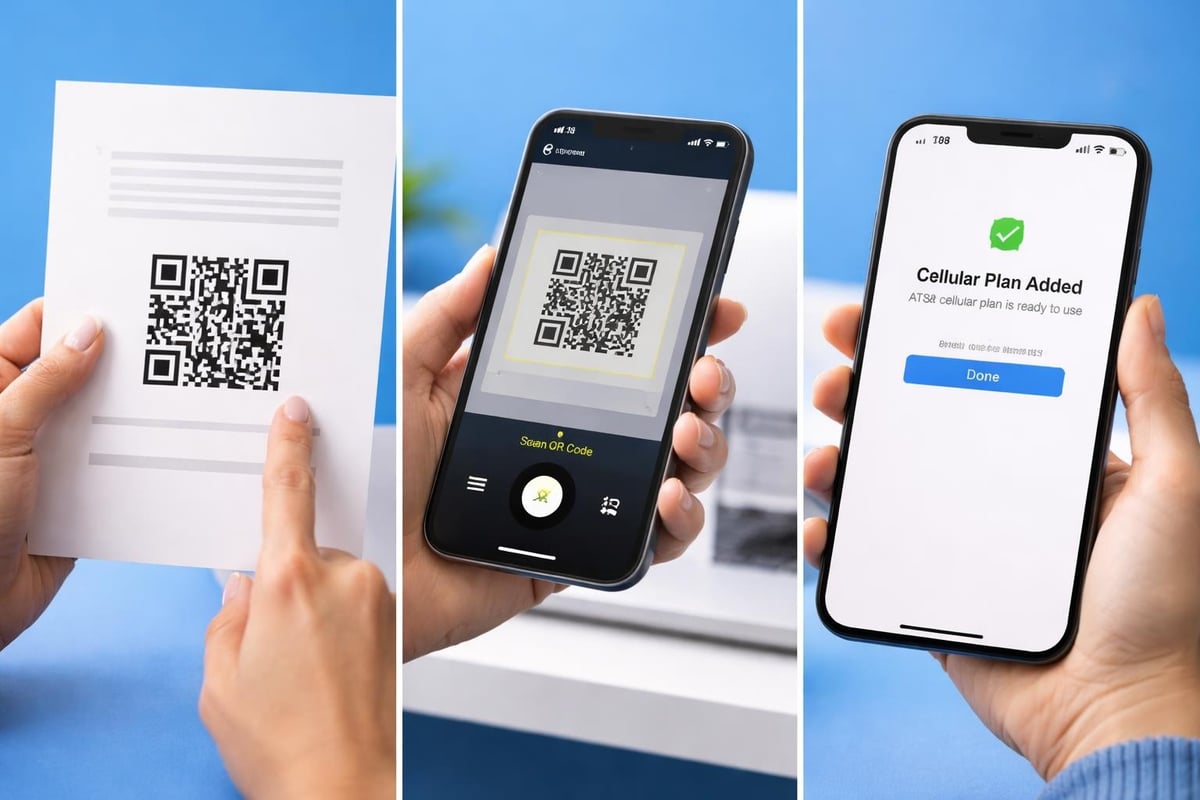
- Receive your QR code via email within minutes
- Scan the QR code using your device's camera in the cellular settings
- Follow on-screen prompts to complete installation
The entire process typically takes under 10 minutes. Your att esim profile downloads automatically, configuring network settings without manual intervention. If you're travelling internationally, services like those offered through gosimless.app provide similar instant activation for over 200 countries, making global connectivity remarkably simple.
For Postpaid AT&T Customers
Postpaid customers enjoy equally convenient activation, though the process differs slightly. You'll typically work through the myAT&T app or contact customer service to initiate the transfer.
The system generates a QR code linked to your account, which you'll scan just as Prepaid customers do. Your existing phone number, plan, and services transfer automatically to the new att esim profile. Be aware that once you convert to eSIM, your physical SIM becomes inactive and cannot be reused.
Managing Multiple Profiles with AT&T eSIM
One of the most compelling features of att esim technology is the ability to maintain multiple cellular profiles simultaneously. This proves invaluable for various scenarios.
Dual SIM Functionality Explained
Modern smartphones supporting eSIM typically offer dual SIM, dual standby (DSDS) functionality. You can have one physical SIM and one eSIM active concurrently, or two eSIM profiles on newer models that have eliminated the physical SIM tray entirely.
Common use cases include:
- Maintaining separate personal and business numbers on one device
- Using local data plans whilst keeping your home number active for calls
- Accessing better coverage by switching between carriers in weak signal areas
- Testing network performance before fully committing to a switch
When you activate an att esim alongside another carrier's service, you'll designate one line as your default for cellular data. Incoming calls and messages arrive on both numbers, and you can choose which line to use for outgoing communications on a per-call basis.
Switching Between eSIM Profiles
Managing multiple profiles requires some familiarity with your device settings. On iPhone, you'll find controls under Settings > Cellular. Android placement varies by manufacturer but typically resides in Settings > Network & Internet > SIM cards.
You can temporarily disable an att esim profile without deleting it entirely, useful when travelling and wanting to use only a local eSIM. The profile remains stored on your device, ready to reactivate instantly when needed. This flexibility surpasses anything possible with physical SIMs, where you'd need to physically swap cards.
Troubleshooting Common AT&T eSIM Issues
Despite the streamlined activation process, occasional hiccups occur. Understanding common issues helps you resolve them quickly without contacting support.
QR Code Won't Scan
If your device struggles to read the activation QR code, several factors might be at play. Poor lighting, screen brightness, or camera focus issues can interfere with scanning. Try these solutions:
- Increase screen brightness on the device displaying the QR code
- Clean your camera lens thoroughly
- Move to a well-lit area without glare
- Take a screenshot and zoom in if the code appears too small
- Enter the activation details manually using the SM-DP+ address and activation code
Manual entry requires navigating to your device's eSIM settings and selecting "Enter Details Manually" rather than scanning. AT&T provides all necessary information in the same email containing your QR code.
Network Connection Problems After Activation
Successfully installing your att esim doesn't always guarantee immediate connectivity. If you're experiencing network issues post-activation, these steps usually resolve the problem:
- Restart your device to allow full network registration
- Toggle Airplane mode on for 30 seconds, then off
- Check cellular data settings ensure the correct line is selected for data
- Verify network settings confirm "Data Roaming" is enabled if required
- Reset network settings as a last resort (note: this removes saved Wi-Fi passwords)
| Issue | Likely Cause | Solution |
|---|---|---|
| No service showing | Profile not fully activated | Wait 5 minutes, restart device |
| Can call but no data | Wrong data line selected | Check cellular settings, select AT&T line |
| Intermittent connection | Network congestion | Toggle airplane mode, move location |
| Cannot send SMS | iMessage/RCS interference | Disable then re-enable messaging services |
AT&T's network typically recognises new eSIM activations within minutes, but occasionally delays occur during high-traffic periods. Patience usually resolves these temporary issues.
AT&T eSIM for International Travel
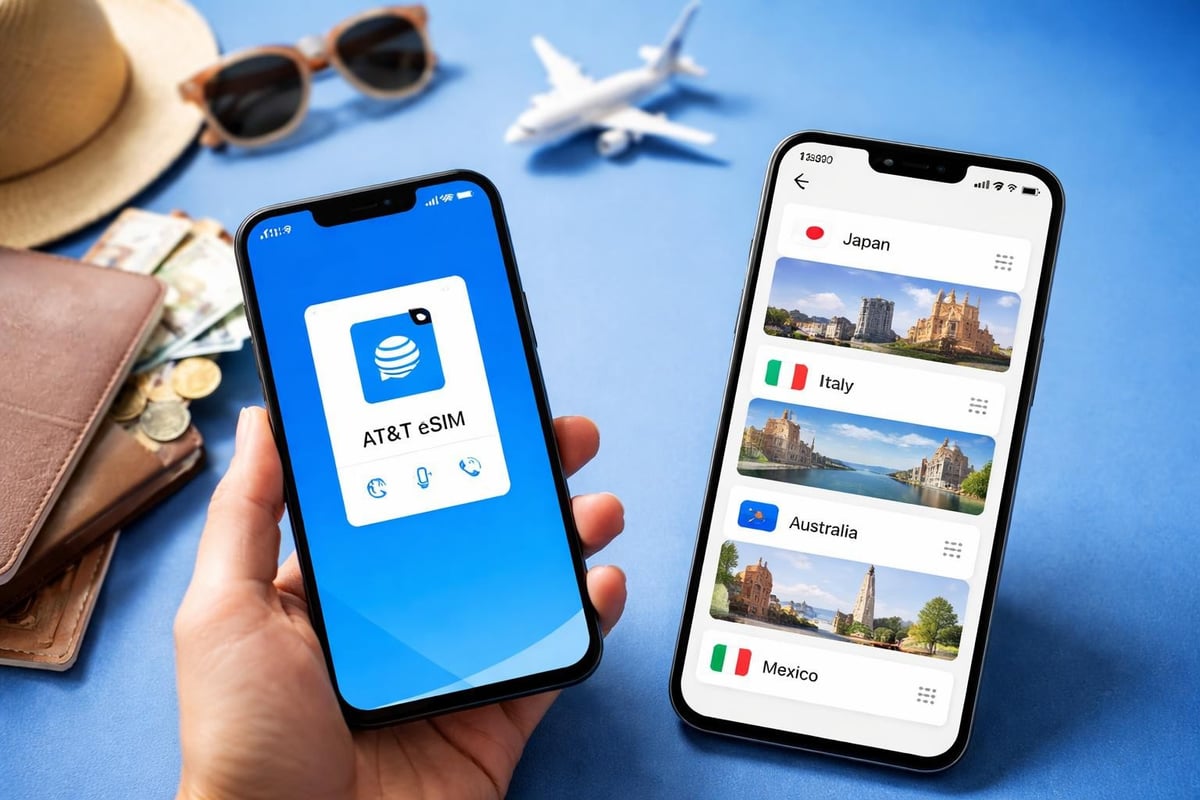
The rise of eSIM technology has fundamentally changed how we stay connected whilst travelling. Rather than hunting for local SIM cards in airport kiosks or paying extortionate roaming fees, you can now activate international coverage before leaving home.
Using AT&T International Day Pass with eSIM
AT&T offers International Day Pass, allowing you to use your existing plan's talk, text, and data allowances in over 210 countries. When you enable this feature on your att esim, you'll pay a daily fee only on days you actually use your device abroad.
The service activates automatically when you connect to a partnered network overseas. You'll receive a text confirming activation and the daily charge. For occasional travellers taking short trips, this convenience justifies the premium pricing.
Alternative eSIM Options for Frequent Travellers
If you travel regularly or for extended periods, dedicated international eSIM providers often deliver better value than carrier roaming plans. The USA eSIM plans available through modern eSIM platforms provide affordable data-only options without roaming fees, perfect for keeping your att esim line active for calls whilst using a cheaper data source.
As TechRadar's comprehensive guide highlights, choosing the right eSIM provider depends on your specific needs. Data-heavy users prioritise generous allowances, whilst business travellers value reliability and coverage breadth.
Security Advantages of AT&T eSIM
Beyond convenience, att esim technology offers meaningful security improvements over traditional SIM cards. These benefits matter increasingly as SIM-swap fraud becomes more sophisticated.
Protection Against SIM Swap Attacks
SIM-swapping attacks involve criminals convincing your carrier to transfer your number to a SIM card they control. With physical SIMs, this often requires minimal verification. AT&T eSIM makes these attacks significantly harder to execute.
Enhanced security features include:
- Device-bound authentication as the eSIM cannot be removed and inserted elsewhere
- Multi-factor verification required for eSIM profile transfers
- Immediate alerts when eSIM changes are requested on your account
- Remote deactivation if your device is lost or stolen
When your number lives on an eSIM, unauthorised transfers require both account access and physical possession of your device. This dual requirement creates a substantial barrier against fraud.
Managing eSIM Security Settings
AT&T provides several tools to protect your att esim profile. Within the myAT&T app, you can enable extra security passcodes required for any SIM-related changes. This additional authentication layer prevents unauthorised modifications even if someone gains access to your account credentials.
Consider setting up a separate PIN specifically for SIM operations, distinct from your account password. Store this PIN securely using a password manager rather than writing it down or sharing it via email.
Comparing AT&T eSIM to Competitors
The eSIM landscape has grown crowded with carriers and MVNOs offering digital activation. How does AT&T's implementation compare?
AT&T benefits from its extensive network infrastructure, consistently ranking among America's top carriers for coverage and speed. When you activate an att esim, you're accessing this premium network without compromises. However, pricing often exceeds more agile competitors.
Virtual operators and travel-focused eSIM providers like those compared in detailed guides at gosimless.app frequently undercut traditional carriers on international data pricing. They accomplish this by negotiating wholesale rates across multiple networks globally, passing savings to customers.
| Feature | AT&T eSIM | Third-Party eSIM Providers |
|---|---|---|
| US network coverage | Excellent (native) | Good (AT&T wholesale) |
| Activation speed | Minutes | Instant to minutes |
| International pricing | Premium | Budget-friendly |
| Customer support | Comprehensive | Varies by provider |
| Plan flexibility | Traditional contracts | Pay-as-you-go options |
The choice depends on your priorities. Those valuing integrated billing, comprehensive support, and premium network access often prefer att esim. Budget-conscious users or frequent international travellers might benefit from exploring alternatives through platforms offering flexible eSIM plans across multiple countries.
Future of AT&T eSIM Technology
The trajectory of eSIM adoption suggests physical SIM cards will become obsolete within the next few years. AT&T has positioned itself at the forefront of this transition, but what does the future hold?
Industry Trends Shaping eSIM Evolution
Discussion around eSIM adoption reveals both enthusiasm and concern. Supporters appreciate the flexibility and environmental benefits. Critics worry about carrier lock-in and reduced competition.
AT&T continues expanding its att esim device compatibility, with newer models increasingly shipping without physical SIM trays at all. This hardware shift accelerates the technology's mainstream adoption.
Emerging capabilities include:
- Multi-eSIM support with 5+ simultaneous profiles
- AI-driven automatic carrier switching for optimal coverage
- Integrated eSIM management across IoT device ecosystems
- Blockchain-based identity verification for enhanced security
- Seamless carrier transitions preserving your number instantly
By 2027, analysts predict over 60% of new smartphone sales will be eSIM-only devices. AT&T's early investment in infrastructure positions them advantageously as this transition accelerates.
Preparing for an eSIM-First Future
Smart consumers should familiarise themselves with eSIM technology now rather than waiting until forced by hardware changes. Understanding how to install and manage eSIM profiles prepares you for inevitable transitions ahead.
Check your current device's eSIM compatibility and consider testing the technology on a secondary line or travel plan before fully committing. This hands-on experience demystifies the process and builds confidence in managing digital cellular profiles.
AT&T eSIM for Business Users
Enterprise adoption of att esim technology offers unique advantages for companies managing mobile device fleets. The ability to provision, modify, and deactivate lines remotely streamlines IT operations considerably.
Businesses can configure employee devices before distribution, pre-loading corporate att esim profiles that activate upon first use. When employees separate from the company, IT can remotely deactivate the eSIM profile without requiring physical device return.
Corporate eSIM Management Platforms
AT&T Business provides dedicated portals for managing multiple eSIM deployments at scale. Administrators can:
- Bulk-activate eSIM profiles across hundreds of devices simultaneously
- Monitor cellular usage and set departmental spending limits
- Enforce security policies requiring PIN protection on eSIM changes
- Generate detailed usage reports for expense allocation
- Instantly provision temporary lines for contractors or seasonal workers
This centralised control reduces administrative overhead whilst enhancing security. Lost or stolen devices can be remotely disabled within minutes, protecting corporate data and preventing unauthorised usage charges.
The cost savings extend beyond administration. Eliminating physical SIM logistics-ordering, storing, distributing, and tracking thousands of tiny cards-removes significant operational complexity. For multinational corporations, deploying employees internationally becomes dramatically simpler when they can activate local eSIM profiles without visiting carrier stores in foreign countries.
The shift to eSIM technology represents more than mere convenience-it fundamentally reimagines how we connect to mobile networks in an increasingly digital world. AT&T's implementation provides robust coverage and security, though comparing options ensures you find the best fit for your specific connectivity needs. Whether you're managing business communications, planning international travel, or simply seeking more flexible mobile service, understanding att esim capabilities empowers smarter decisions. Ready to experience borderless connectivity across 200+ countries? Explore instant eSIM activation and affordable global data plans at gosimless.app, where you'll discover no-roaming-fee coverage that works the moment you need it.
gosimless Team
The gosimless editorial desk — testing eSIMs, carriers and travel connectivity so you don't have to. Updated continuously from the road.